The Best Tools for Automating Daily Operations in Small US Businesses
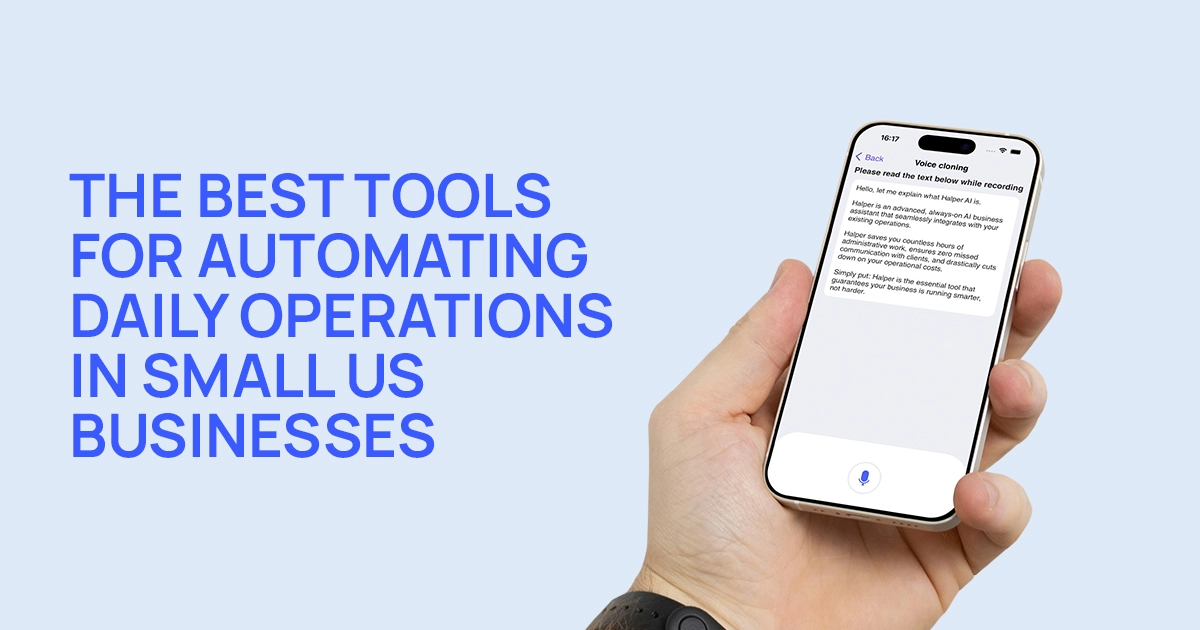
If you talk to any small business owner long enough, the conversation eventually returns to the same confession: “I love my work. I just never have enough time to actually do it.”
That’s the paradox of running a business in 2025. For every hour of real work, there’s another hour spent managing inboxes, follow-ups, payments, and reminders that multiply faster than revenue. According to QuickBooks, small US businesses lose up to 32 percent of their week to administrative tasks. McKinsey adds that workflow automation can improve productivity by up to 30 percent.
In other words, automation isn’t a shortcut. It’s a necessity. Here are the tools leading that shift for small business owners across the US.
The Hidden Cost of Running Everything Yourself
Every solopreneur hits the same breaking point. A few clients turn into more clients. More clients turn into more conversations. And suddenly, messaging becomes a second job.
A beauty professional tracking appointments across Instagram, WhatsApp, and Google Calendar. A real estate agent checking messages between showings. A fitness coach managing weekly check-ins manually. It doesn’t feel like a workflow. It feels like a never-ending improvisation. That’s exactly where automation steps in: not to remove the human side of work, but to remove the friction.
Acuity Scheduling - Automation for Calendar-Based Businesses
For businesses built on appointments, Acuity remains a favorite. It streamlines:
• intake forms
• confirmations
• reminders
• rescheduling
• client self-booking
It’s ideal for wellness providers, tutors, and solo practitioners. The limitation: Acuity doesn’t manage multi-channel messaging, so it often pairs best with communication automation like Halper.
Trello - Simple Visual Workflow Automation
Some people don’t want complex CRMs. They want clarity — a board, a visual timeline, a system they can see at a glance. Trello remains a go-to tool for visual operators who automate:
• client onboarding flows
• content pipelines
• repeating tasks
• simple automations through Butler
It doesn’t manage client conversations or scheduling, but it fills the operational gap beautifully for small teams and creative businesses.
Calendly - The No-Friction Scheduling Tool
Calendly became popular because it replaced the most inefficient part of scheduling: negotiating times. It automates:
• confirmations
• reminders
• buffer times
• rescheduling
• group availability
But like Acuity, it doesn’t handle client conversations. For businesses whose clients DM first and schedule second, Calendly often works best alongside Halper.
Stripe Automations - Payments That Run Themselves
Nothing drains a business owner faster than chasing overdue payments. Stripe automates:
• invoices
• recurring subscriptions
• payment reminders
• receipts
• failed-payment follow-ups
It’s especially useful for coaches, consultants, online programs, and service providers moving toward productized offerings.
Google Workspace - Quiet Automation That Most Owners Underuse
Most small businesses already rely on Google Calendar, Gmail, and Drive. What they underestimate is how much automation Google quietly provides:
• auto-sorting emails
• suggested replies
• event syncing
• reminders
• shared document workflows
Paired with an AI manager like Halper, Google Workspace becomes the operational foundation while Halper manages the conversations on top.
FAQ: Automation for US Small Businesses
What tasks are easiest to automate first?
Scheduling, reminders, client confirmations, payment notices, and FAQ replies.
Which tool is best for service businesses with lots of client conversations?
Halper, because it manages communication across multiple platforms, not just scheduling.
Is automation difficult to implement?
Modern tools are nearly frictionless. Most work with your existing systems.
Do small businesses actually save time with automation?
Yes. McKinsey reports a 20 to 30 percent productivity lift for businesses that automate core admin work.
Follow Halper